
How to Secure Your W...
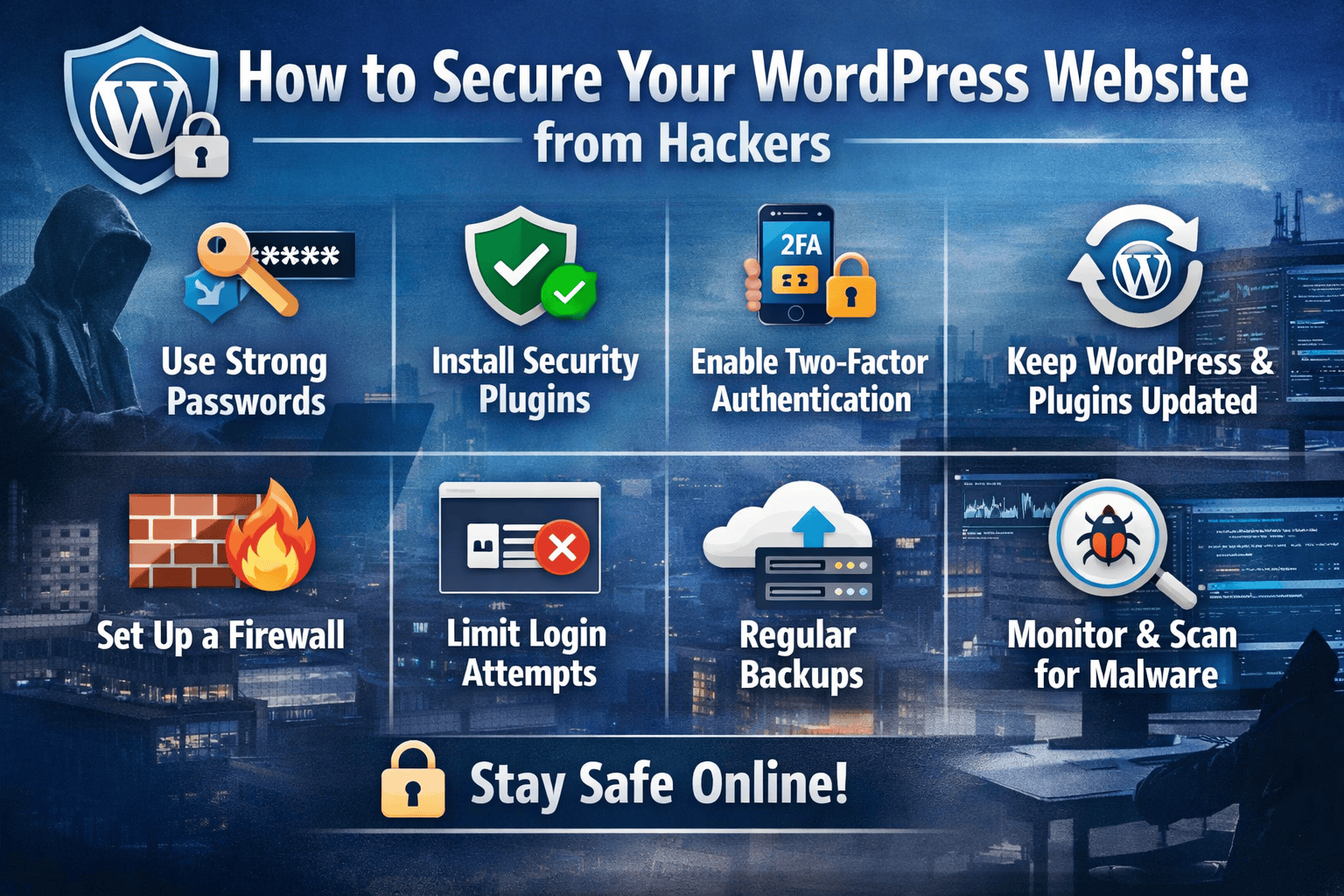
How to Secure Your WordPress Website from Hackers
How to Secure Your WordPress Website from Hackers
WordPress is one of the most popular content management systems in the world. However, its popularity also makes it a common target for hackers. If you want to protect your website from cyberattacks, it is crucial to implement proper security measures. In this guide, we will show you how to secure your WordPress website from hackers effectively.
Why WordPress Websites Are Vulnerable
Many WordPress websites get hacked due to weak security practices. Some common reasons include:
- Using default admin usernames and passwords
- Outdated WordPress core, themes, or plugins
- Poor hosting environments
- Lack of website monitoring
Hackers exploit these vulnerabilities to gain unauthorized access, steal data, or inject malware. Understanding these risks is the first step to strengthening your website’s security.
H2: Use Strong Passwords and User Permissions
One of the simplest ways to secure your WordPress site is by using strong passwords for all accounts. Avoid easy-to-guess passwords like “admin123” or “password.” Instead, use a combination of:
- Uppercase and lowercase letters
- Numbers
- Special characters
Additionally, review user permissions regularly. Assign roles carefully, and give administrative access only to trusted users. This minimizes the chances of unauthorized changes or attacks.
H3: Implement Two-Factor Authentication (2FA)
Adding two-factor authentication (2FA) adds an extra layer of security to your WordPress login page. Even if a hacker guesses your password, they won’t be able to log in without the second verification step. Many plugins can help you enable 2FA easily.
H2: Keep WordPress Core, Themes, and Plugins Updated
Outdated software is a common gateway for hackers. WordPress frequently releases updates to patch security vulnerabilities. To secure your WordPress, ensure that:
- WordPress core is always updated to the latest version
- Themes are regularly updated
- Plugins are checked for updates and removed if unused
Enable automatic updates if possible, but always back up your website before major updates.
H3: Use Reliable Plugins and Themes
Avoid downloading free or nulled plugins from untrusted sources. They often contain malware or hidden backdoors. Stick to reputable sources such as the official WordPress repository or premium marketplaces to maintain website security.
H2: Install a WordPress Security Plugin
Security plugins provide multiple layers of protection. Popular WordPress security plugins can help you:
- Scan for malware
- Block malicious IP addresses
- Monitor login attempts
- Strengthen firewall rules
Examples of trusted plugins include Wordfence, Sucuri, and iThemes Security. Regular scans and monitoring help detect threats before they cause damage.
H3: Enable a Web Application Firewall (WAF)
A Web Application Firewall (WAF) filters malicious traffic before it reaches your website. It can prevent common attacks such as SQL injection, cross-site scripting (XSS), and brute force attacks. Most security plugins offer built-in WAF, or you can use a cloud-based solution.
H2: Backup Your Website Regularly
Even with strong security measures, no website is 100% hack-proof. Regular backups ensure you can restore your website quickly in case of an attack. Consider these backup practices:
- Use automated backup plugins
- Store backups offsite, such as in cloud storage
- Test backups to confirm they work
Regular backups are an essential part of any website security strategy.
H2: Additional Tips to Secure Your WordPress
- Limit login attempts: Prevent brute force attacks by restricting login attempts.
- Change the default login URL: Using a custom login URL reduces the risk of automated attacks.
- Disable file editing: Disable theme and plugin editing in the WordPress dashboard to prevent unauthorized code changes.
- Use HTTPS/SSL: Encrypt data transfer using SSL certificates to protect user information.
Conclusion
Protecting your website is not optional—it is essential. By following these steps, you can secure your WordPress website from hackers effectively. From strong passwords and two-factor authentication to updated plugins and firewalls, every measure counts. Regular backups and vigilance will ensure your site remains safe, giving you peace of mind and a secure online presence.