
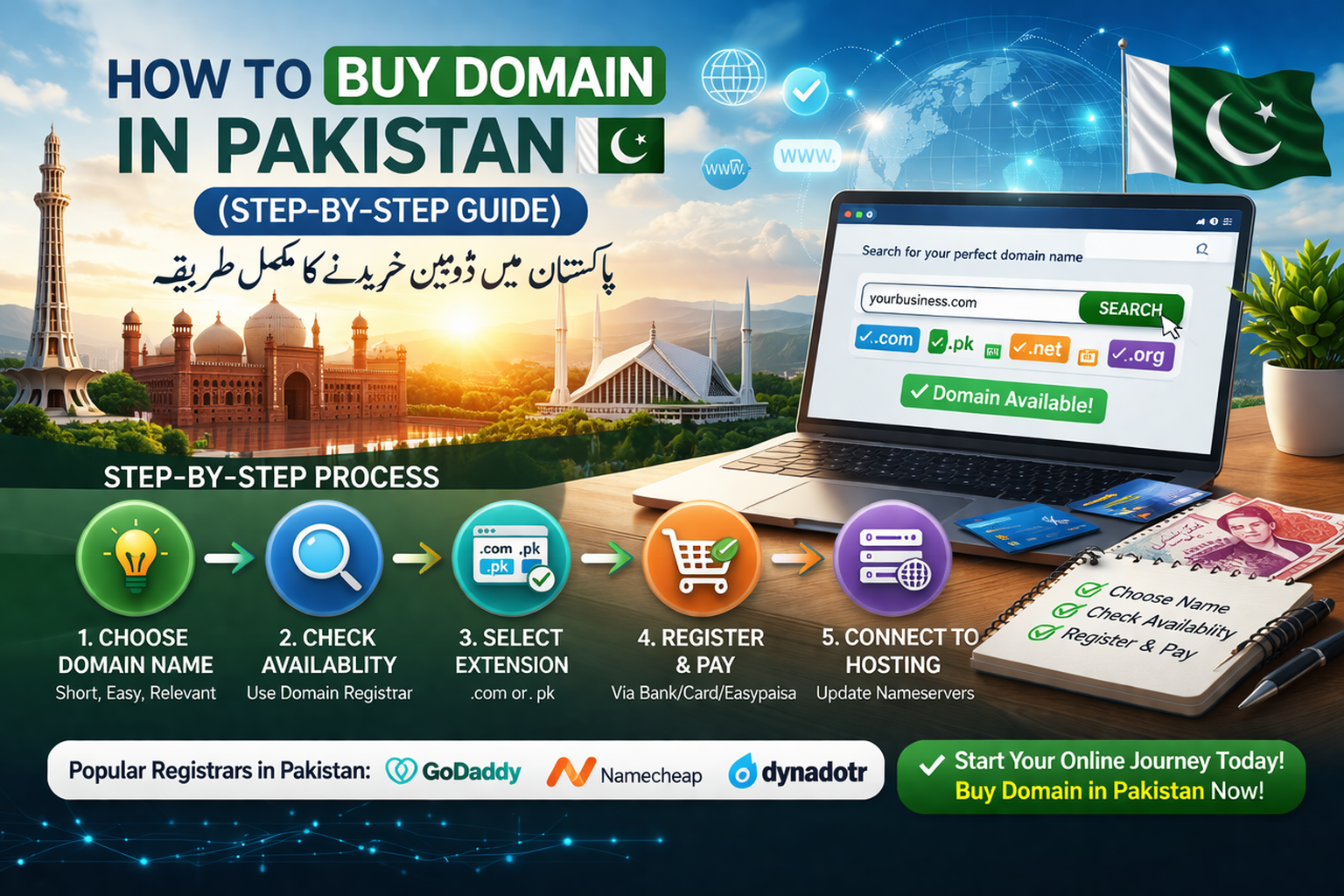
How to Buy Domain in Pakistan (Step-by-Step Guide)
Starting a website begins with choosing and registering a domain name. A domain name is the address people type into their browser to visit your website. If you are planning to launch a blog, business website, or online store, the first step is to Buy Domain in Pakistan. In this guide, we will explain the complete step-by-step process so you can easily register your domain.
What is a Domain Name?
A domain name is the unique web address of your website, such as yourbusiness.com. It helps users find your website easily on the internet. Instead of remembering complex IP addresses, people simply type a domain name into their browser.
When you Buy Domain in Pakistan, you are essentially renting a name on the internet for a specific period, usually one year or more.
Why You Should Buy a Domain in Pakistan
Buying a domain is important if you want to create a professional online presence. Here are some key reasons:
Build a Professional Brand
A custom domain name makes your website look professional and trustworthy. Businesses that Buy Domain in Pakistan can build strong brand recognition online.
Easy Website Access
A domain name makes it easy for customers to remember and visit your website.
Better Online Marketing
A domain helps improve your online marketing efforts, including SEO and digital branding.
Step-by-Step Guide to Buy Domain in Pakistan
Follow these simple steps to register your domain name.
Step 1: Choose the Right Domain Name
The first step is selecting a domain name that represents your brand or business. A good domain name should be:
- Short and easy to remember
- Relevant to your business or niche
- Easy to spell and pronounce
Try to include your business name or keywords related to your services.

Step 2: Select a Domain Extension
Domain extensions are the last part of a domain name, such as .com, .net, or .pk. Popular options include:
- .com – Best for global businesses
- .pk – Best for Pakistani websites
- .net – Common for tech websites
Choosing the right extension is important when you Buy Domain in Pakistan.
Step 3: Check Domain Availability
After selecting your domain name, check if it is available. Many domain registrars provide a search tool where you can enter your desired name and see if it is already taken.
If the name is unavailable, try adding keywords or choosing another extension.
Step 4: Register the Domain
Once you find an available domain, you can register it through a domain provider. During registration, you will need to provide:
- Your name
- Email address
- Contact details
After completing the registration form, you can proceed to payment.
Step 5: Complete Payment
Most companies allow multiple payment methods such as:
- Bank transfer
- Credit or debit card
- Online payment services
After payment confirmation, your domain will be activated.
Step 6: Connect Your Domain to Hosting
After you Buy Domain in Pakistan, the next step is connecting it to a hosting service. Hosting allows your website files to be stored online so visitors can access them.
You can update the nameservers provided by your hosting company to link the domain with your website.
Tips for Choosing the Best Domain Name
Keep It Short
Short domain names are easier to remember and type.
Avoid Numbers and Hyphens
These can make your domain confusing and harder to remember.
Think Long Term
Choose a name that will still represent your business in the future.
Conclusion
Buying a domain name is the first step toward building a successful online presence. Whether you want to create a blog, portfolio, or business website, learning how to Buy Domain in Pakistan will help you start your online journey easily.
By following the steps above—choosing a good domain name, selecting the right extension, checking availability, and completing registration—you can quickly secure your domain and launch your website. A strong domain name will help your brand grow and make it easier for customers to find you online.